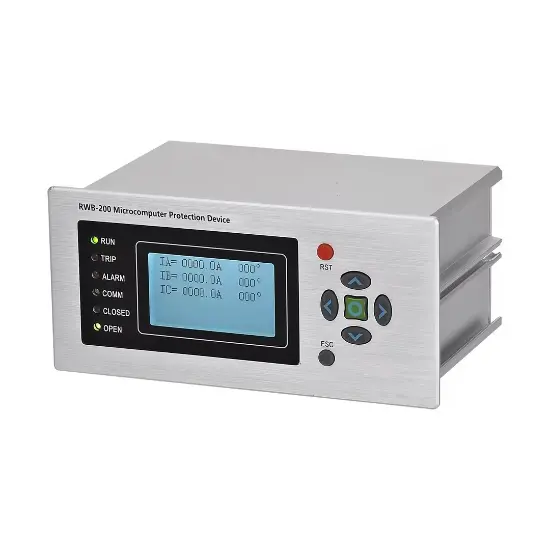
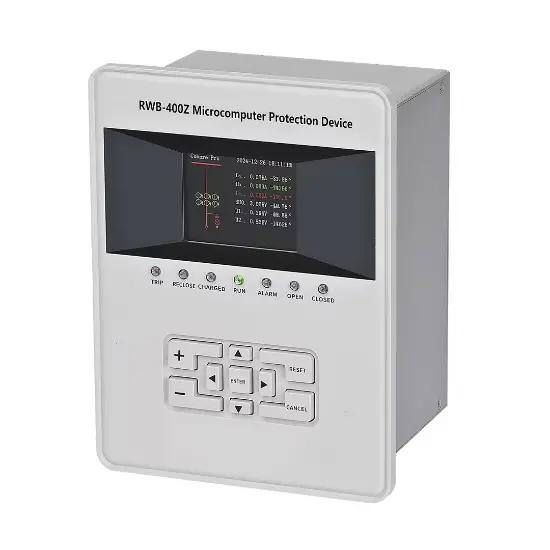
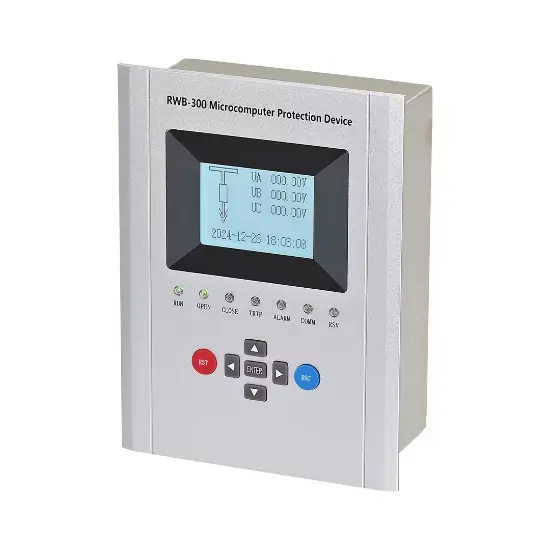
General Protection Device
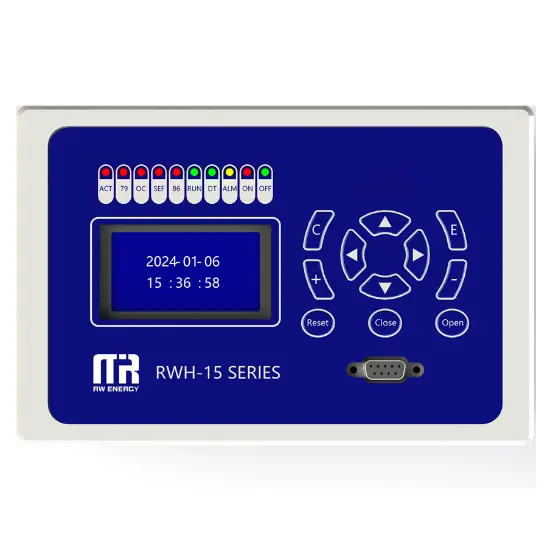
Key attributes
| Brand | Rw Energy |
| Model NO. | General Protection Device |
| Rated voltage | 230V ±20% |
| Rated frequency | 50/60Hz |
| Electric energy consumption | ≤5W |
| Series | RWH-15 |
Description
Description
General Protection Device is a microprocessor as the core, combined with modern electronic technology, computer technology, communication technology, to realize the power system fault detection, protection control and operation monitoring function of intelligent equipment. As the key line of defense for the safe and stable operation of the power system, it replaces the traditional electromagnetic protection device and significantly improves the reliability, sensitivity and speed of protection.
The device is mainly composed of data acquisition system, microprocessor unit, input/output interface, communication module and power module. When working, the data acquisition system collects analog signals such as current and voltage in real time, and transmits them to the microprocessor after analog-to-digital conversion; the microprocessor analyzes and calculates the data according to preset protection algorithms and logic programs, and determines whether a fault or abnormality occurs in the power system; once a fault is detected, it quickly drives the circuit breaker to trip and removes the faulty equipment through the output interface and uploads the fault information to the monitoring center through the communication module. Upload the fault information to the monitoring center through the communication module
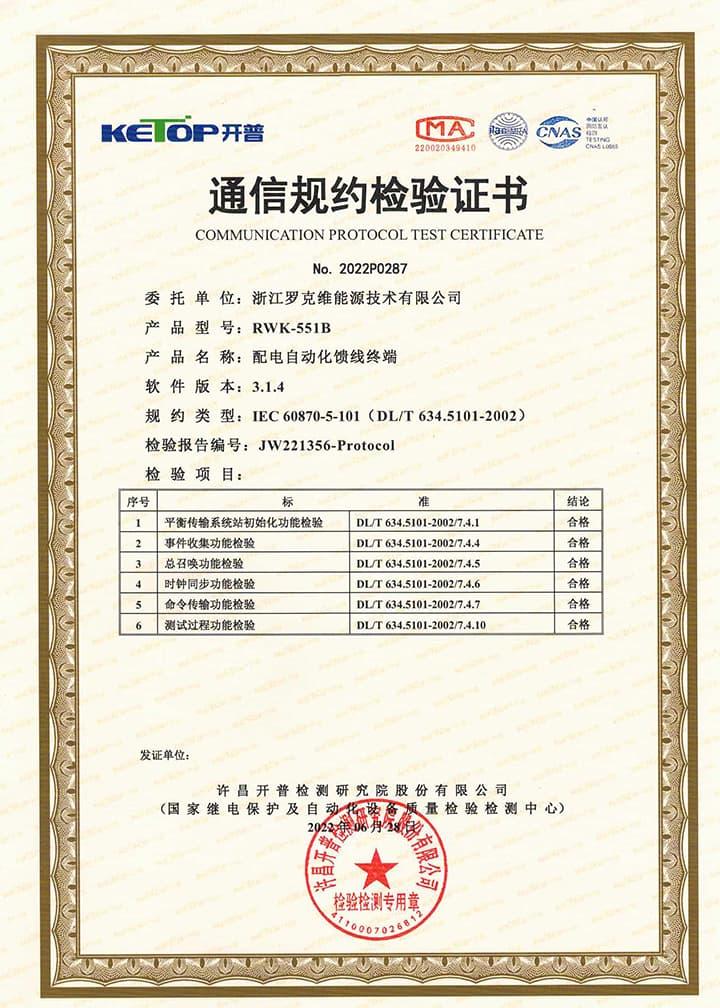
Support communication protocols: IEC 60870-5-101 IEC 60870-5-104 Modbus DNP3.0
Main function introduction
1. Protection relay functions:
1) 49 Thermal Overload,
2) 50 Three-section of Overcurrent (Ph.OC) ,
3) 50G/N/SEF Sensitive Earth Fault (SEF),
4) 27/59 Under/Over Voltage (Ph.OV/Ph.UV),
5) 51C Cold load pickup (Cold load).
2. Supervision functions:
1) 60CTS CT Supervision,
2) 60VTS VT Supervision,
3. Control functions:
1) 86 Lockout,
2) 79 Auto reclose,.
3) circuit-breaker control,
4. Monitoring Functions:
1) Primary currents for Phases and Zero sequence current,
2) Primary PT Voltage,
3) Frequency,
4) Binary Input/Output status,
5) Trip circuit healthy/failure,
6) Time and date,
7) Fault records,
8) Event records.
5. Communication functions:
a. Communication interface: RS485X1,RJ45X1
b. Communication protocol: IEC60870-5-101; IEC60870-5-104; DNP3.0; Modbus-RTU
c. PC software: RWK381HB-V2.1.3,The address of the information body can be edited and queried by PC software,
d. SCADA system: SCADA systems that support the four protocols shown in "b.”.
6. Data Storage functions:
1) Event Records,
2) Fault Records,
3) Measurands.
7. remote signaling remote measuring, remote controlling function can be customized address.
Technology parameters
| Model & version | Model | RWH-151 |
| Version | V3.3.1 | |
| Type of operating mechanism | Spring mechanism type | |
| Power | Rated working voltage | 230V ±20% |
| Rated frequency | 50Hz/60Hz | |
| Electric energy consumption | ≤5W | |
| Analog parameters | Current transform quantity | 3 phase current + 1 earth current |
| Rated current in | 5A or 1A | |
| Voltage transform quantity | 4 voltage transform | |
| Voltage transform Nominal | 40…120 Vrms |
| Protection relay and measurement accuracy | Current protection (secondary side) | 0.05~50A ≤±3% |
| Zero-sequence current protection (secondary side) | 0.02~10A ≤±1% | |
| Voltage | 10~280V ≤±5% | |
| Protection performance parameters | Event resolution | 2ms |
| Quick-break export time | Under the input of 1.2In magnification, the whole group action time is less than 40ms | |
| Protect export time error | ≤1% | |
| Switching value parameters | Rated switching value voltage | DC24V |
| switching value resolution | Minimum 2ms | |
| EMC technology parameters | Insulation resistance | ≥10MΩ |
| Voltage mutation | 100%, 0.5s | |
| High-frequency interference (series mode) | 1.5kVP, 1min | |
| High-frequency interference (common mode) | 2.5kVP, 1min | |
| transient pulse | 4.0kVP, 1min | |
| inrush current interference | 4.0kVP, 1.2/50μs | |
| electrostatic discharge | 8kV | |
| power frequency magnetic fields | 100A/m | |
| Damping oscillating magnetic field | 100A/m | |
| Power frequency withstand voltage | 2.5kV, 1min | |
| Lightning rush voltage | 5kV, 1.2/50μs | |
| enforce standards | DL/T 721-2000 class IV |
| Communication interface | — | 1×RS485 or RS232 |
| Working environment | Ambient temperature | -25℃ ~ +70℃ |
| Storing temperature | -40℃ ~ +70℃ | |
| Ambient humidity | 5% ~ 100% (Non-congealing) | |
| Rate of ambient temperature change | <25℃/h | |
| Altitude range | -100~3000m | |
| Machine case parameters | weight | > 2kg |
| size | 185×118×66.5mm | |
| Class of protection | IP20 |
Device structure
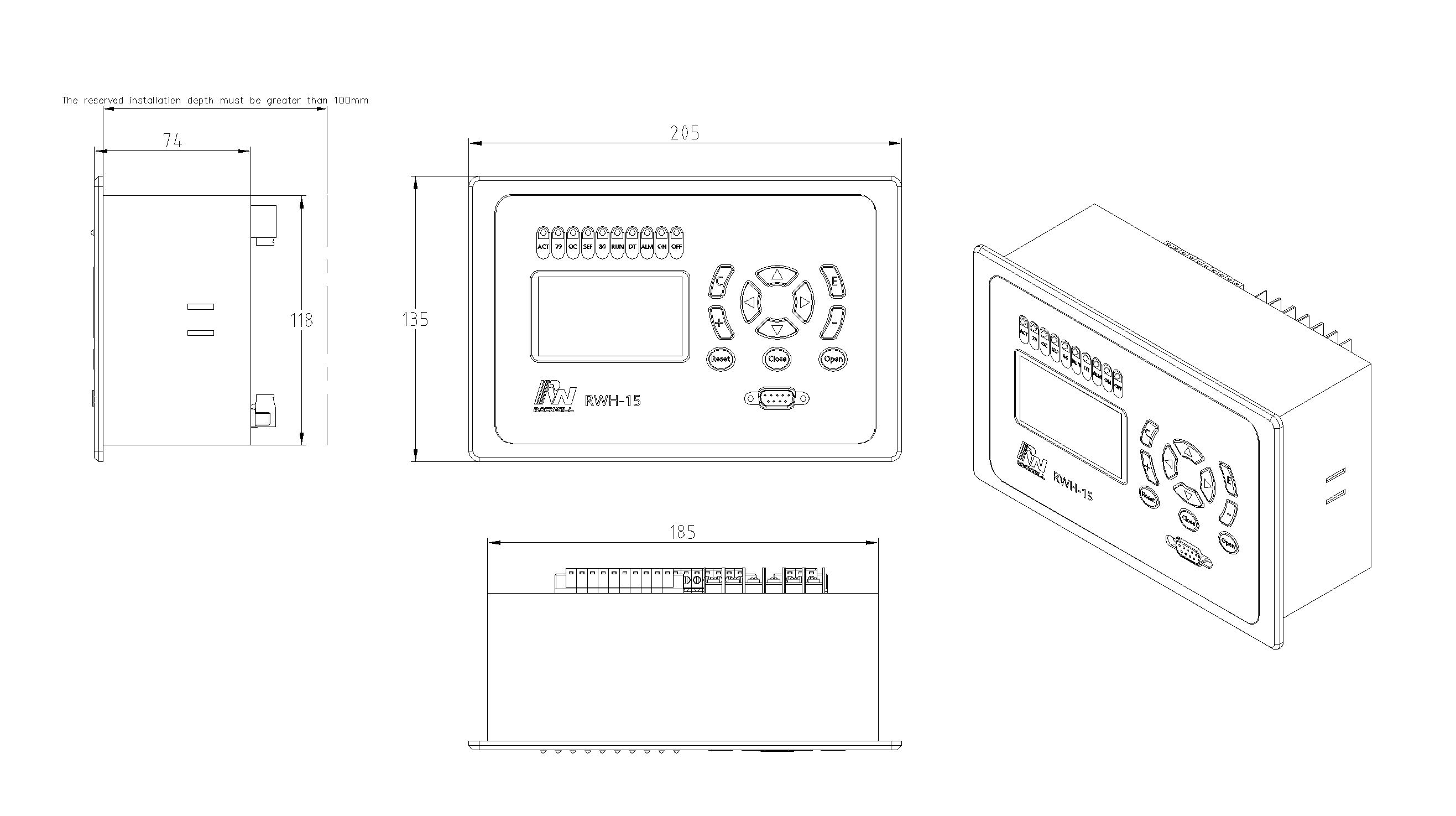
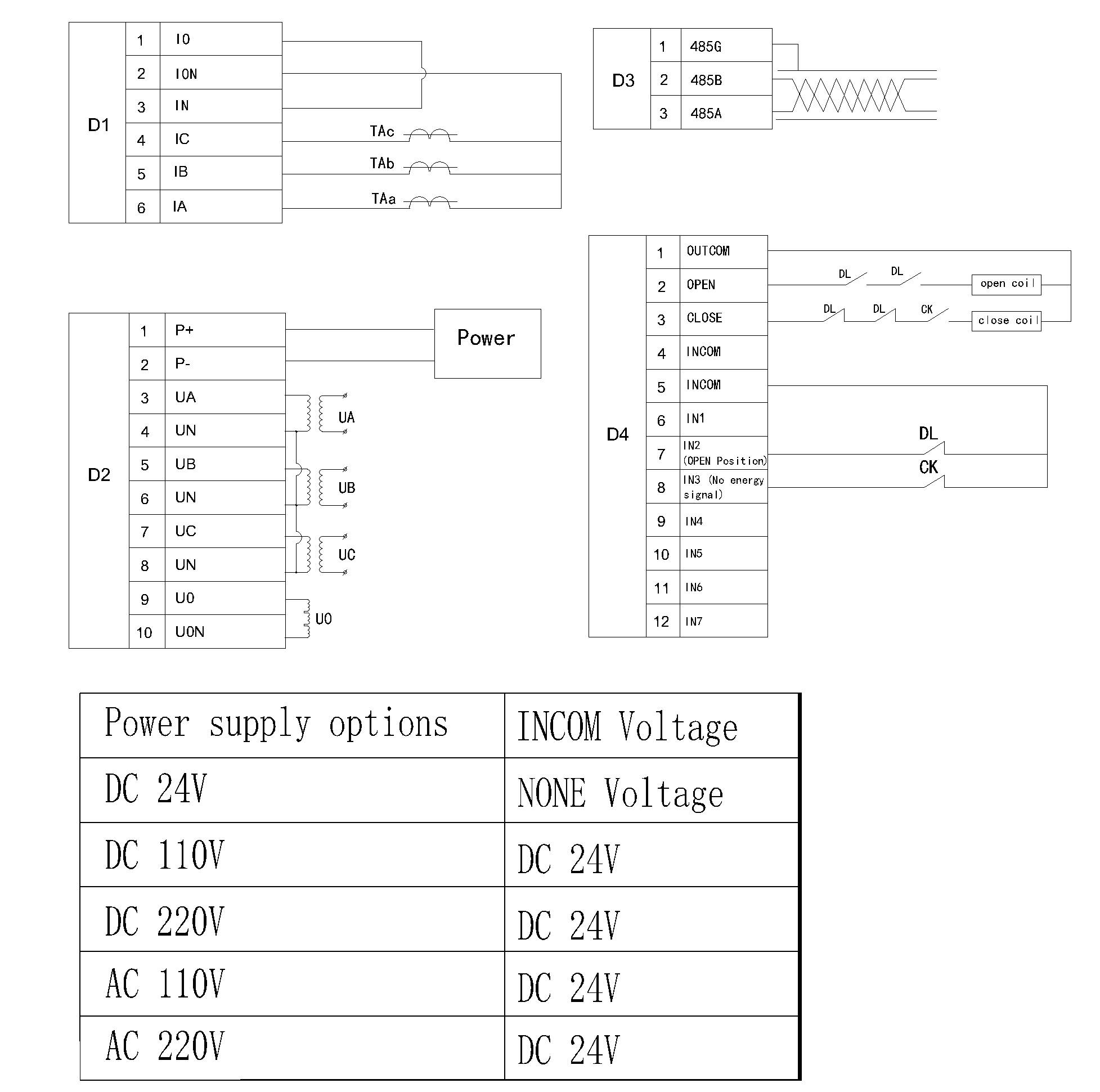
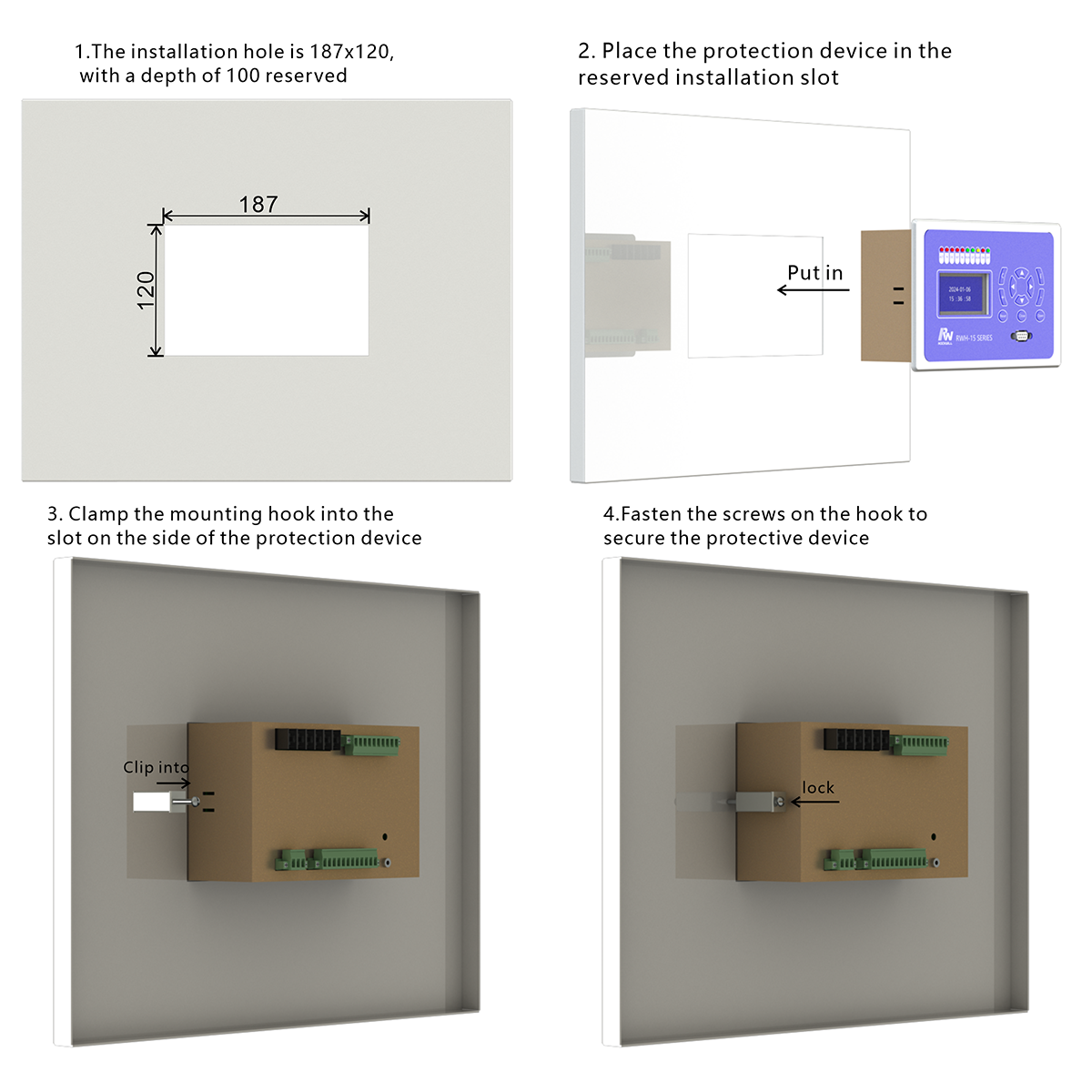
About customization
The following optional functions are available: GPRS communication module. Upgrade SMS Function.
For detailed customization, please contact the salesman.
Q: What is the function of Microcomputer protection device?
A: The microcomputer protection device is mainly used to protect the electrical equipment in the switchgear. It can monitor electrical parameters such as current and voltage in real time. When there is overcurrent, overvoltage, undervoltage and other fault conditions, the rapid response, such as tripping to cut off the circuit, to prevent equipment damage, to ensure the safe and stable operation of the power system.
Q: What are its advantages over traditional protection devices?
A: The precision of The microcomputer protection device is higher, and the electric quantity can be measured accurately. It has the function of self-diagnosis, can find its own fault in time for maintenance. Moreover, the protection parameters can be set flexibly to adapt to different power system requirements. It can also realize remote communication and facilitate remote monitoring and operation, which is difficult to do with traditional protection devices.
Reference Projects for General Protection Device
-
 RW Energy Kenya 11 kV Ring Main Unit RMU Controller Intelligent Retrofit Case StudyBased on the upgrading demands of aging power distribution equipment in Kenya, we specialize in intelligent RMU retrofitting. Integrating wireless communication and distributed intelligent control technologies, the solution adapts to harsh outdoor operating conditions.Without replacing main equipment, it enables intelligent upgrading of legacy RMUs, delivering fast fault handling and precise grid-connected monitoring. While improving quality and reducing costs, it consolidates the foundation of
Documentation Resource Library General Protection Device
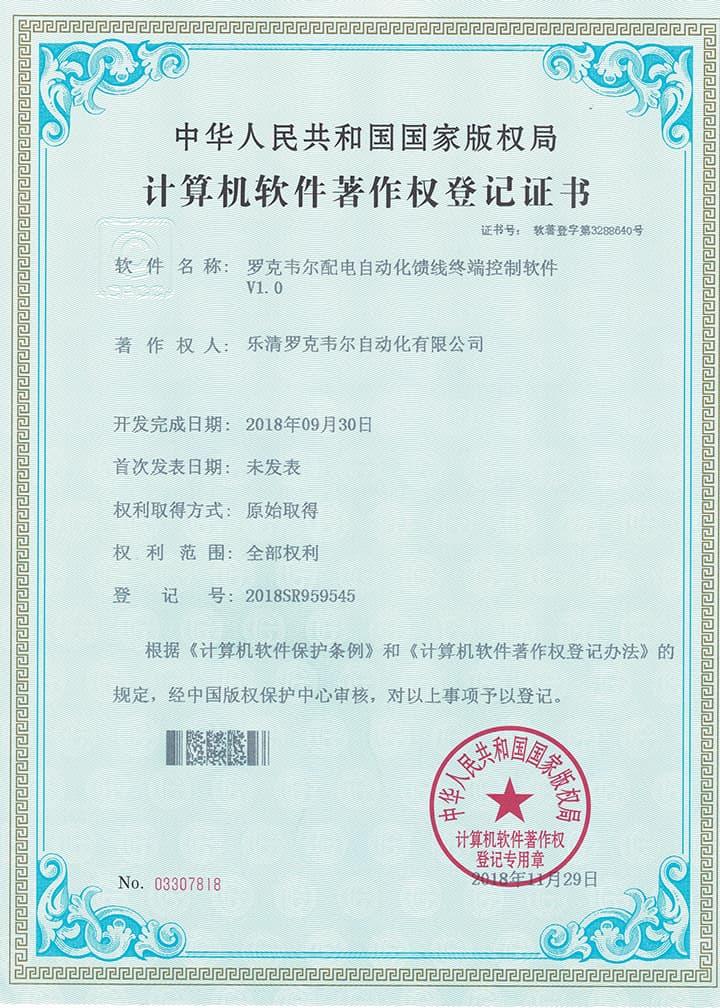
Certifications General Protection Device
FAQ for General Protection Device
This device can connect to SCADA System and DMS, and you can connect the terminal to the server according to your local network conditions. This terminal supports CDMA (3G)/LTE (4G)/ NR(5G), ETH, fiber optic and other ways to access the network. You can also contact us directly, and we will provide you with a solution for distribution network automation.
Yes, this device has corresponding upper computer software (only available in windows-X86 version), which can be connected to the terminal through a serial port or network port, enabling fixed parameter configuration and viewing, address configuration for remote signaling, telemetry, and control, viewing of event reports, monitoring of electricity meters, packet capture of communication messages, and simulation of remote control functions.
This protection device supports 2-channel serial data communication, RS232 or RS485 bus, independent of each other. It can be configured separately. The configuration method is as follows:
- Enter the settings page: Edit → Para;
- Configure communication function on/off: Scroll down and find Comm1 Status set to 1, indicating it is turned on, and 0 indicates it is turned off. The default setting is open;
- Set communication baud rate: According to the baud rate configuration of RTU or protocol converter, the default value is 9600;
- Set communication protocol: There are four protocols to choose from, corresponding to setting 1 as IEC-60870-101, setting 2 as IEC-60870-104, setting 3 as DNP3.0, setting 4 as ModBus-RTU, default as IEC-60870-101;
- Set communication balance (only valid for multiple IEC-60870-101): Set 1 to IEC-60870-101 protocol balance mode and 0 to imbalance mode;
- Set the communication source address: Set the value to 1-65535, default value to 1;
- Set the target address for the report: set the value to 0-65535, default value to 1;
- Set active upload: 0 does not actively upload, 1 actively uploads, default value is 1;
- Save settings: After completing the settings, press the "Enter" key, enter the password 0099 (some models are 0077), press the "Enter" key again, and the screen will prompt "Save successful", indicating that the settings have been saved.
At this point, channel 1 has been established, and channel 2 is established in the same way as channel 1.
NOTE: 1. The product has been set to default settings before delivery to meet most usage scenarios. It is not recommended to make modifications or only modify controllable items (such as modifying communication protocols, configuring communication functions on/off, etc.) when it can be used normally