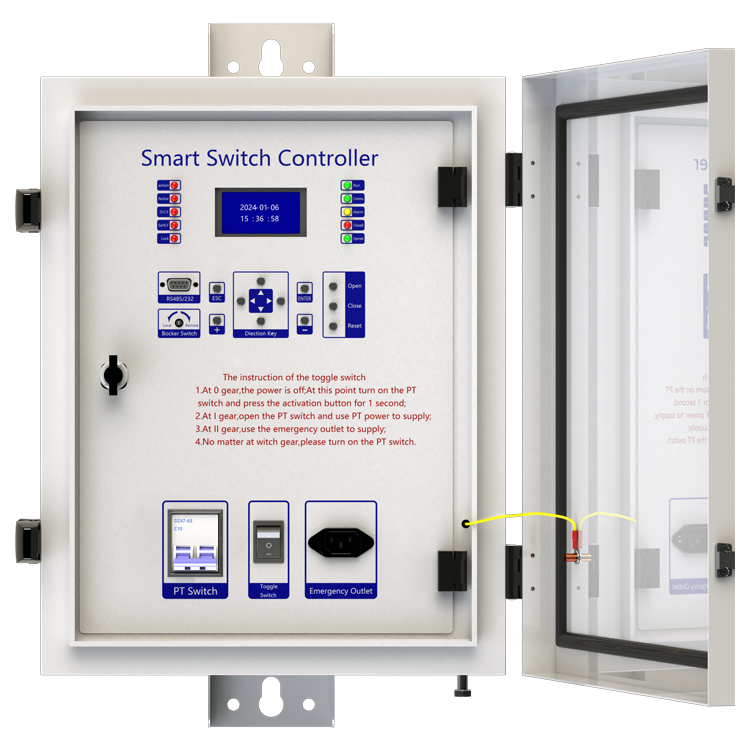
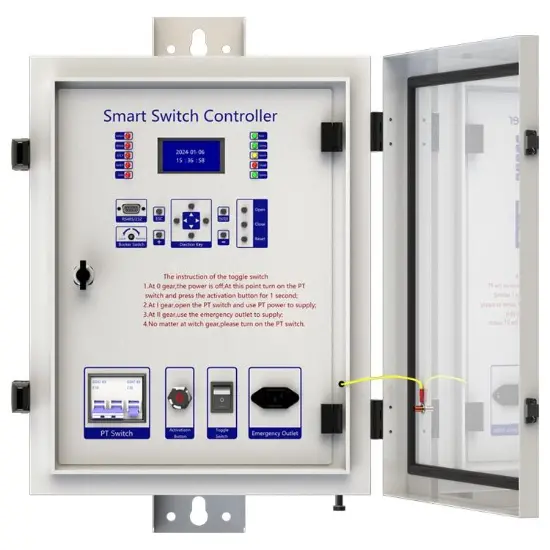
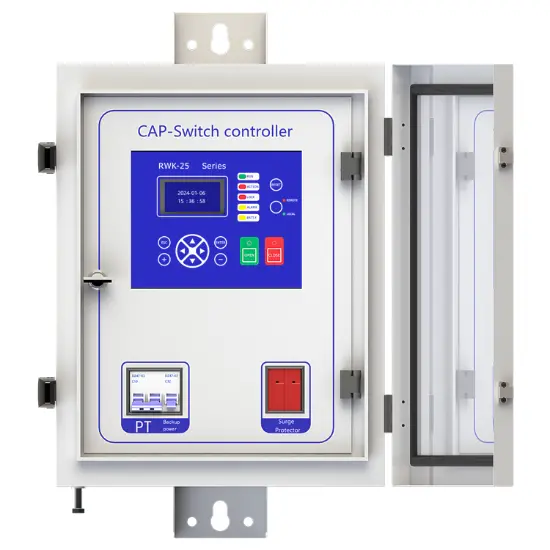
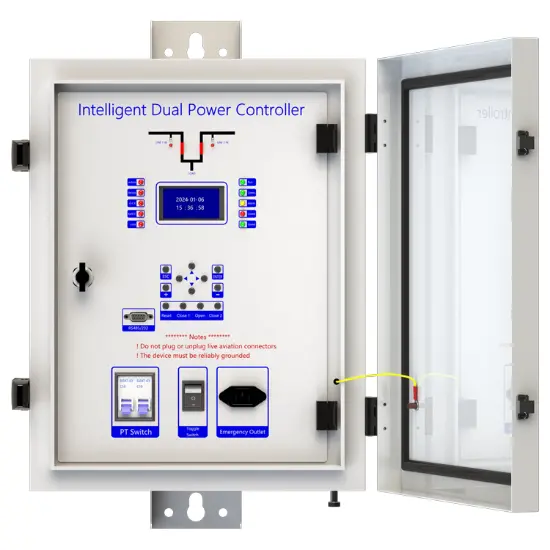
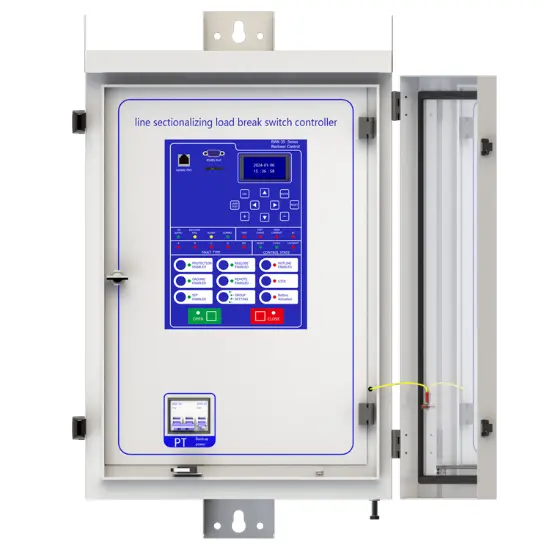
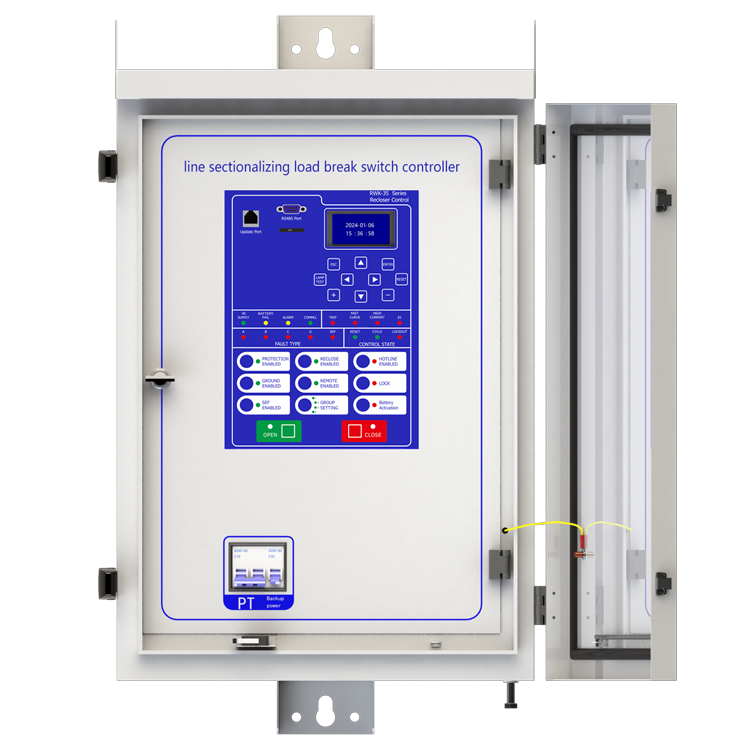
Line Sectionalizing Load Break Switch Controller
Key attributes
| Brand | Rw Energy |
| Model NO. | Line Sectionalizing Load Break Switch Controller |
| Rated voltage | 230V ±20% |
| Rated frequency | 50/60Hz |
| Electric energy consumption | ≤5W |
| Series | RWK-38 |
Description
Description
RWK-381 line sectionalizing load break switch controller is a kind of switch which must cooperate with superior switch. It can’t cut off the fault current, it only trip when the line is low-voltage or no-current.
RWK-381 line sectionalizing load break switch controller adopts IT operation mode. When a fault happed, the controller will record the fault times. If the times come to the setting value, the controller will trip after the line is low-voltage or no-current.
The controlling box is made of stainless steel, the surface is dealt with painting, anticorrosion, can be used in outdoor environments.
It has charging circuit: It could take AC220V charging power supply from outside. If there is no power supply outside, it also could achieve opening/closing operation and all controller functions with battery. Besides that, it is set with anti-over discharge circuit for protecting the battery when there is no electricity of the power supply outside for a long time.
Main function introduction
1. Protection relay functions:
1) Section function,
2) 50 Instantaneous/Definite-Time Overcurrent (P.OC),
3) 51 Phase Time-Overcurrent (P.OC2/P.OC3),
4) 49 Overload
5) 50N Residual Ground Instantaneous/Definite-Time Overcurrent(G.OC),
6) 51N Residual Ground Instantaneous/Definite-Time Overcurrent (G.OC2 /G. OC3) ,
7) 50SEF Sensitive Earth Fault (SEF),
8) 51C Cold Load,
9) TRSOTF Switch-Onto-Fault (SOTF)
10) 27 Under Voltage (L.Under volt) ,
11) 59 Over Voltage (L.Over volt),
2. Supervision functions:
1) 74T/CCS Trip & Close Circuit Supervision,
2) 60VTS VT Supervision .
3. Control functions:
1) 60VTS Lockout ,
2) circuit-breaker control.
4. Monitoring Functions:
1) Primary/Secondary Phases and Earth Currents,
2) Direction,
3) Primary/Secondary Line and Phase Voltages,
4) Apparent Power and Power Factor,
5) Real and Reactive Power,
6) Positive Phase Sequence Voltage,
7) Negative Phase Sequence Voltage & Current,
8) Zero Phase Sequence Voltage,
9) Earth Current With 3RD Harmonics,
10) Frequency,
11) Binary Input/Output status,
12) Trip circuit healthy/failure,
13) Time and date,
14) Event records
15) Counters,
16) Wear.
5. Communication functions:
a. Communication interface: RS485X1,RJ45X1
b. Communication protocol: IEC60870-5-101; IEC60870-5-104; DNP3.0; Modbus-RTU
c. PC software: RWK381HB-V2.1.3,The address of the information body can be edited and queried by PC software,
d. SCADA system: SCADA systems that support the four protocols shown in "b.”.
6. Data Storage functions:
1) Event Records,
2) Fault Records,
3) Measurands.
7. remote signaling remote measuring, remote controlling function can be customized address.
Technology parameters
| Category | Item | RWK-381HBV | RWK-382HBV |
|---|---|---|---|
| Model & system | Model | RWK-381HBV | RWK-382HBV |
| Version | V2.1.3 | ||
| Type of operating mechanism | Spring mechanism type | Magnetic Actuator type | |
| System language | English | Russian | |
| PC software language | Chinese Simplified / English / Russian / Spanish | ||
| Power | Rated working voltage | 230V ±20% | |
| Rated frequency | 50Hz/60Hz | ||
| Electric energy consumption | ≤5W | ||
| Power management I/O | I/O configuration | 1 DC voltage measurements
1 battery undervoltage alarm 1 battery active state 1 battery active control |
|
| I/O rated Voltage | DC24V | ||
| I/O current consumption | ≤10mA |
| switching value parameters |
Number of DI group1 interfaces | 1COM&10DI |
| DI group1 Rated voltage | DC24V | |
| DI group1 current consumption | ≤2mA | |
| switching value resolution | Minimum 2ms | |
| Number of DO group1 interfaces | 2 groups NO | |
| DO group1 Rated voltage | 230VDC | |
| DO group1 Rated current | 120A | |
| Number of DO group2 interfaces | 2 groups NO and NC | |
| DO group2 Rated voltage | 250VAC or 30VDC | |
| DO group2 Rated current | 5A(AC)/3A(DC) | |
| Communication I/O parameters | RS485 port | 13PIN Terminal 10Mbps
1DB9 10Mbps |
| Ethernet port | 1*RJ45 100Mbps | |
| Update port | 1*RJ45 10Mbps |
| EMC technology parameters | Insulation resistance | ≥10MΩ |
| Voltage mutation | 100%, 0.5s | |
| High-frequency interference (series mode) | 1.5kVP, 1min | |
| High-frequency interference (common mode) | 2.5kVP, 1min | |
| transient pulse | 4.0kVP, 1min | |
| inrush current interference | 4.0kVP, 1.2/50μs | |
| electrostatic discharge | 8kV | |
| power frequency magnetic fields | 100A/m | |
| Damping oscillating magnetic field | 100A/m | |
| Power frequency withstand voltage | 2.5kV, 1min | |
| Lightning rush voltage | 5kV, 1.2/50μs | |
| enforce standards | DL/T 721-2000 class IV |
| Working environment | Ambient temperature | -25℃ ~ +70℃ |
| Storing temperature | -40℃ ~ +70℃ | |
| Ambient humidity | 5% ~ 100% (Non-congealing) | |
| Rate of ambient temperature change | <25℃/h | |
| Altitude range | -100~3000m | |
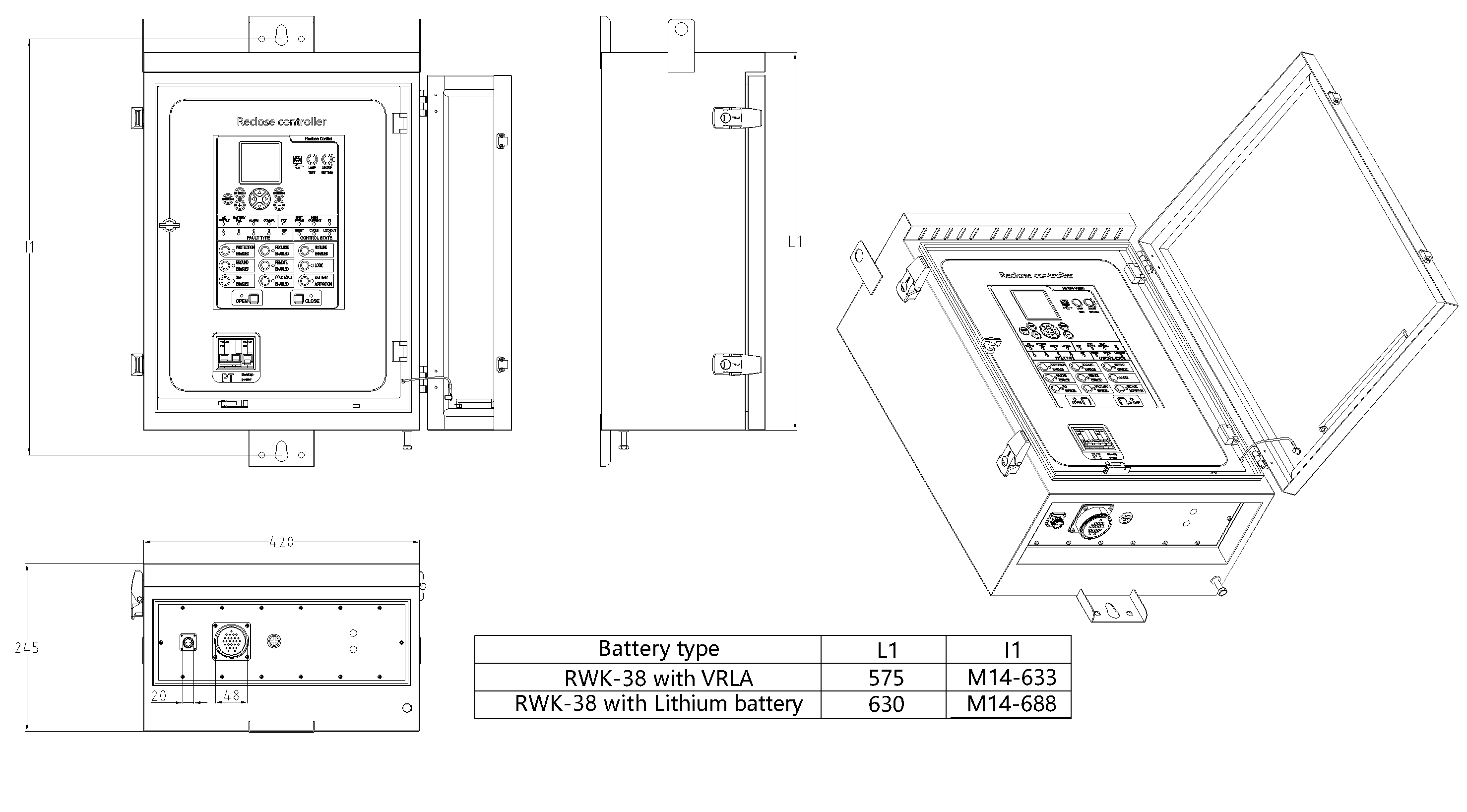
| Machine case parameters | weight | > 10kg |
| size | 575420245mm (Lead acid battery)
635420245mm (Lithium ion battery) |
|
| Class of protection | IP55 |
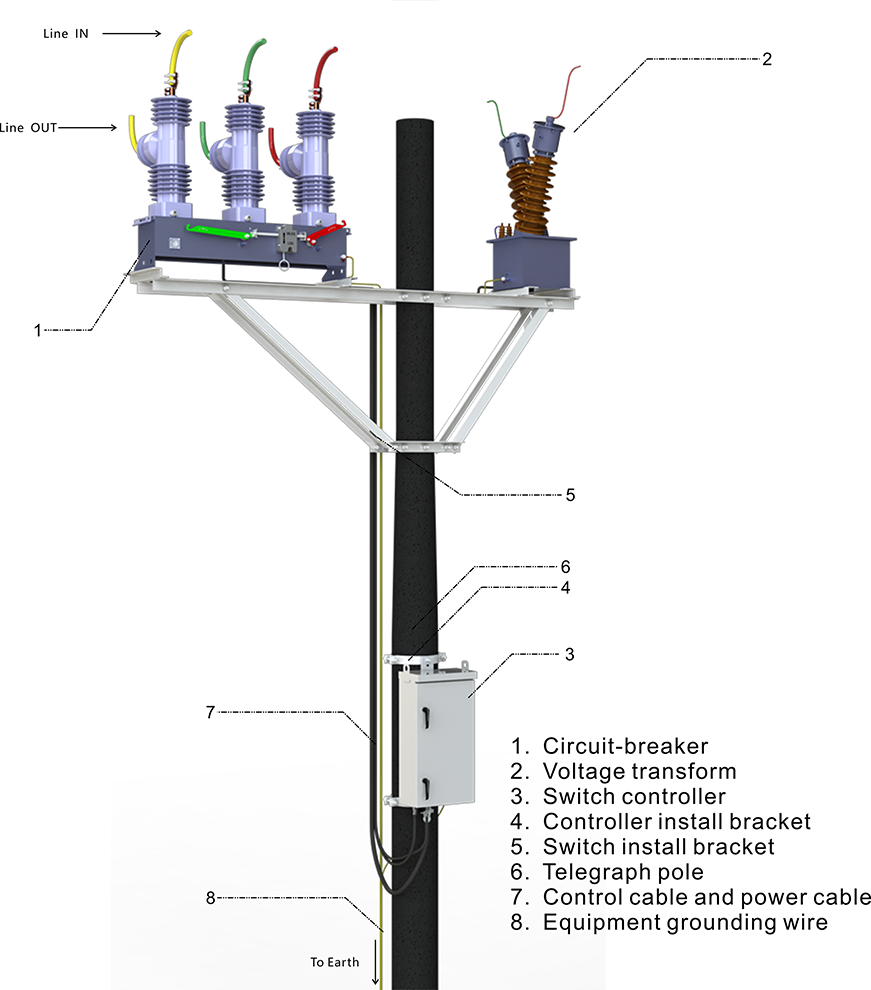
Device structure
About customization
The following optional functions are available: cabinet heating defrosting device, battery upgrade to lithium battery or other storage equipment, GPRS communication module,1~2 signal indicators,1~4 protection pressure plates, the second voltage transformer, custom aviation socket signal definition.
For detailed customization, please contact the salesman.
Q: What is line sectionalizing load break switch?
A:line sectionalizing load break switch is an important device used in power lines. Its main function is to segment the line according to certain rules. The advantage of this is that when a certain segment of the line fails, the segment switch can isolate the faulty segment from the normally functioning line.
Q: How does it determine the segments?
A: The segmentation is usually determined according to the load distribution, geographical layout and power supply reliability requirements of the line. For example, in the area where the load is more concentrated, a separate segment may be divided; Or by geographical area, such as a block or an industrial area.
Q: What is the significance of line sectionalizing load break switch for power system?
A: It can improve the reliability and flexibility of the power system. When a fault occurs, it can quickly isolate the fault, reduce the scope of power outage, so that power maintenance personnel can be more targeted to troubleshoot the fault, and other unaffected segments can continue to supply power normally, ensuring that
Solutions for Recloser Controllers
-
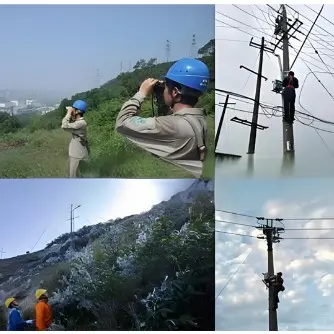
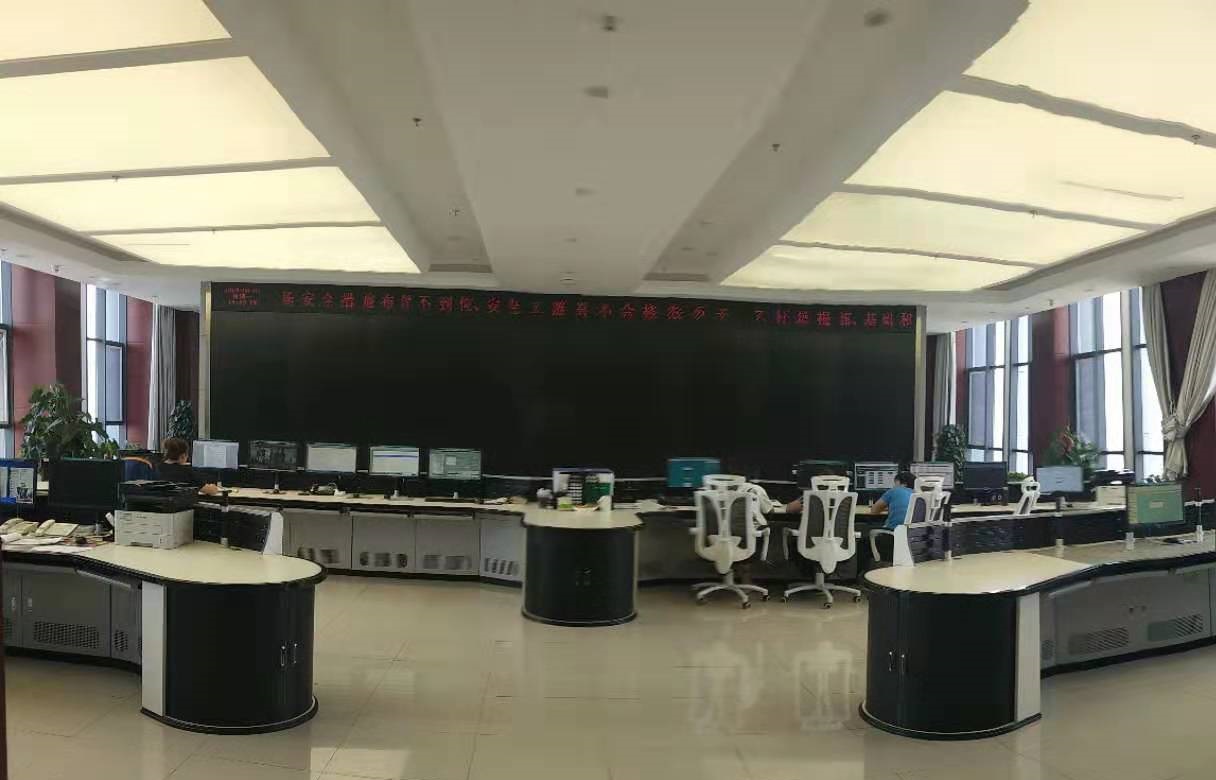 Distribution automation systems solutionsWhat are the difficulties in overhead line operation and maintenance?Difficulty one:Overhead lines of distribution network have wide coverage,complicatedterrain,many radiation branches and distributed power supply,resultingin "many line faults and difficulty in fault troubleshooting".Difficulty Two:Manual troubleshooting is time-consuming and laborious.Meanwhile,therunning current,voltage and switching state of the line cannot be graspedin real time,because of the lack of intelligent technical m
 -
 Remote OM Technical Solution for South Africa Distribution Lines - RWZ-1000 Cloud-Based MonitoringTechnical Framework for Digitally Reimagining Power Grid OM in South AfricaShifting from "post-fault repair" to "predictive maintenance," reshaping the operation and maintenance processes of the distribution network through digital means.Applications: Unmanned substations, cross-regional long-distance transmission lines, and high-risk operational zones.Product Portfolio: RWZ-1000 intelligent monitoring system and RW8000 cloud management platform.Standards: IEC 60870-5-104, IEEE 1547, and NRS 048
Reference Projects for Recloser Controllers
-
 RW Energy Multi Country SMS Based Auto Recloser Controller Case StudyBreaking the communication bottlenecks in remote areas worldwide, this solution takes SMS communication as its core innovation and develops recloser controllers adaptable to multiple countries and diverse climates. Free from reliance on 4G networks, it enables rapid fault early warning and remote operation & maintenance management, helping various regions resolve distribution network operation challenges in remote areas and inject intelligent momentum into global rural power grid upgrading.0
 -
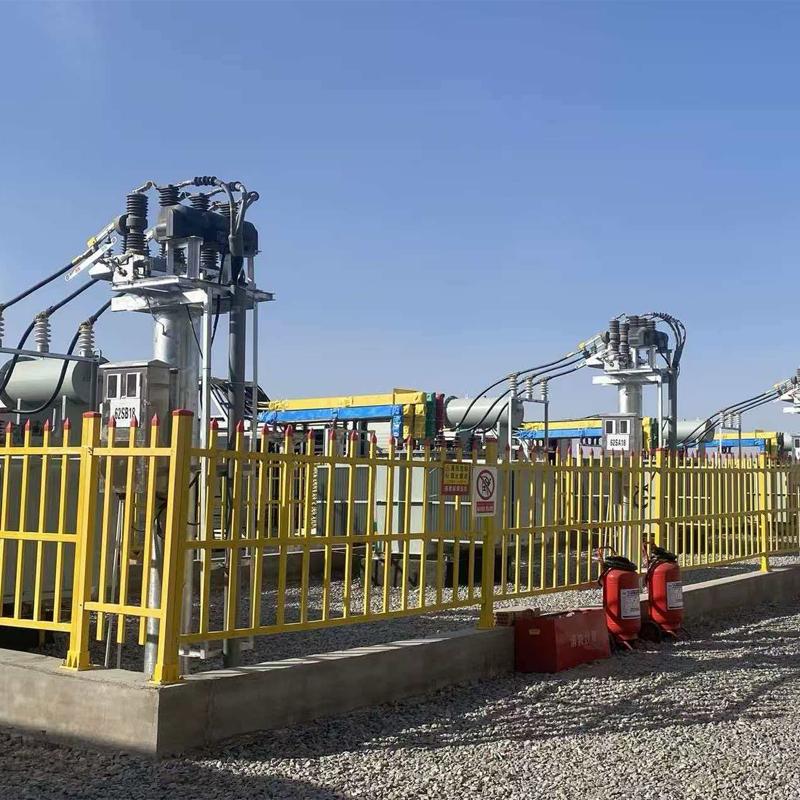 RW Energy Xinjiang Bazhou Large-scale Data Center 6 kV Industrial Grid Intelligent Power Distribution Upgrade Case StudyFocusing on the high-reliability power supply demands of data centers, this project upgrades the 6kV industrial intelligent power distribution system. It enhances anti-sandstorm and wide-temperature environmental adaptability, integrates rapid protection and remote intelligent operation and maintenance technologies, stably supports high-density computing loads, and empowers the intelligent transformation of power grids in western computing hubs.01 Project Overview1.1Project BackgroundBayingolin
 -
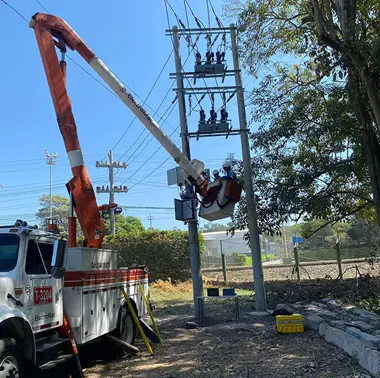 RW Energy Colombia PV Plant 35 kV Recloser Controller Project Case StudyFacing the frequency fluctuation and grid connection challenges of Colombia’s low-inertia photovoltaic power grid, this solution leverages customized recloser control and optimized frequency protection technologies to precisely adapt to the local 60Hz grid standard. It effectively addresses grid fluctuation issues under complex grid connection conditions, delivering a highly reliable and strong anti-interference grid protection solution for photovoltaic power plants and ensuring their stable and
 -
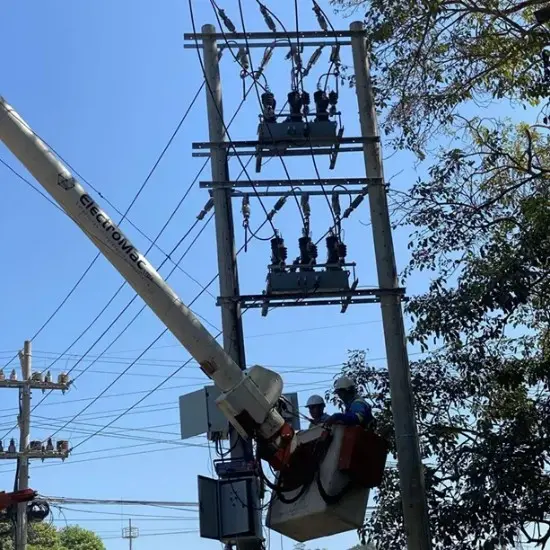 420 Units of 11 kV Automatic Reclosers for Dhaka Grid Upgrade01 General Overview: Dhaka 11 kV Distribution Grid Upgrade1.1 Project BackgroundBangladesh is currently undergoing a period of rapid economic and industrial development, and the growing demand for electricity has placed immense pressure on the local distribution networks. However, the country's existing 11 kV backbone distribution lines are facing severe equipment aging issues. The original switchgear suffers from serious mechanical wear, resulting in not only high failure rates but also sluggis
Documentation Resource Library Recloser Controllers
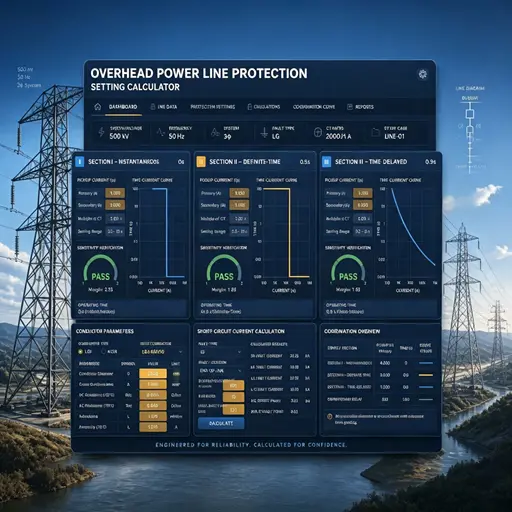
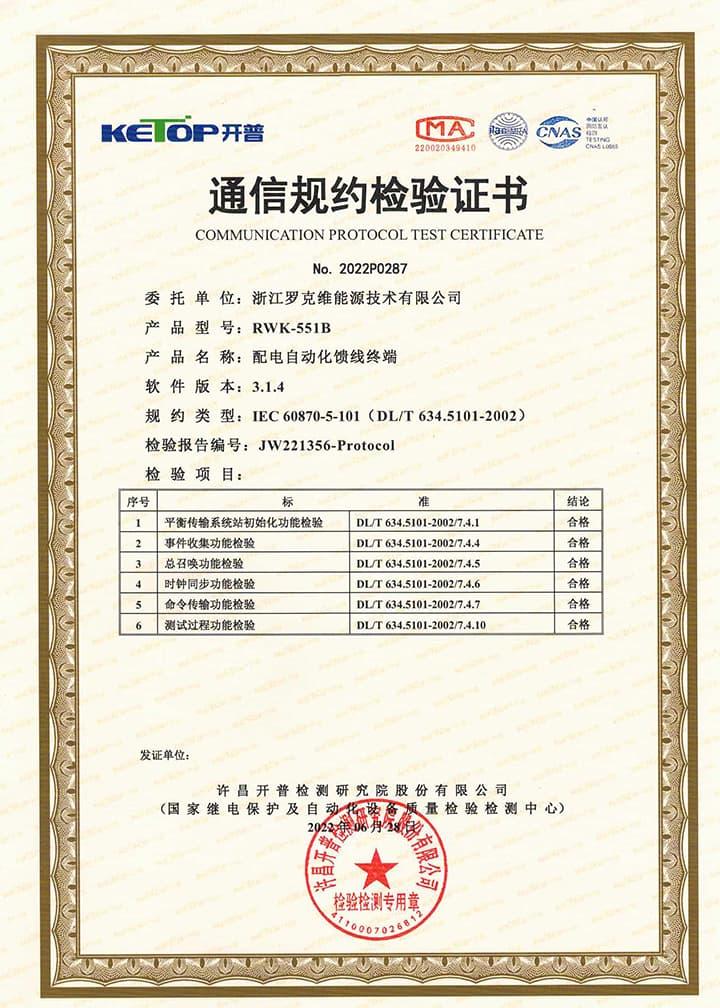
Certifications Recloser Controllers
FAQ for Recloser Controllers
This protective device supports 2-channel serial data communication, which is independent of each other. One channel is RS485, and the other channel is ETH, which can be configured separately. The configuration method is as follows:
- Enter the settings page: Edit → Port → Port1 set;
- Configure communication function on/off: Scroll down and find Comm1 Status set to 1, indicating it is turned on, and 0 indicates it is turned off. The default setting is open;
- Set communication baud rate: According to the baud rate configuration of RTU or protocol converter, the default value is 9600;
- Set communication protocol: There are four protocols to choose from, corresponding to setting 1 as IEC-60870-101, setting 2 as IEC-60870-104, setting 3 as DNP3.0, setting 4 as ModBus RTU, default as IEC-60870-101;
- Set communication balance (only valid for multiple IEC-60870-101): Set 1 to IEC-60870-101 protocol balance mode and 0 to imbalance mode;
- Set the communication source address: Set the value to 1-65535, default value to 1;
- Set the target address for the report: set the value to 0-65535, default value to 1;
- Set active upload: 0 does not actively upload, 1 actively uploads, default value is 1;
- Set remote signaling cycle: set to 1 periodic upload, 0 no upload
- Set the remote signaling cycle time: Set the time in seconds
- Set telemetry cycle: set to 1 periodic upload, 0 no upload
- Set telemetry cycle time: Set the time in seconds
- Save settings: After completing the settings, press the "Enter" key, enter the password 0099 (some models are 0077), press the "Enter" key again, and the screen will prompt "Save successful", indicating that the settings have been saved.
At this point, channel 1 has been established, and channel 2 is established in the same way as channel 1. At the same time, channel 2 also needs to be configured with network ports. The steps are as follows:
Connect to the computer using an Ethernet cable and access 192.168.0.7 via WEB (the computer's IP address must be 192.168.0.XXX network segment, otherwise it cannot be accessed). After entering the background, select the "Local IP Config" button to set the terminal's DHCP mode, static address, subnet mask, and gateway address; Select the "Serial Port" button in the background, set the output port of the communication protocol in "Local Port number", and set the network port working mode (TCP Server/TCP Client) in "Local Port number". When setting TCP Client, fill in the TCP server address below. At this point, all communication settings have been configured
NOTE: 1. The product has been set to default settings before delivery to meet most usage scenarios. It is not recommended to make modifications or only modify controllable items (such as modifying communication protocols, configuring communication functions on/off, etc.) when it can be used normally
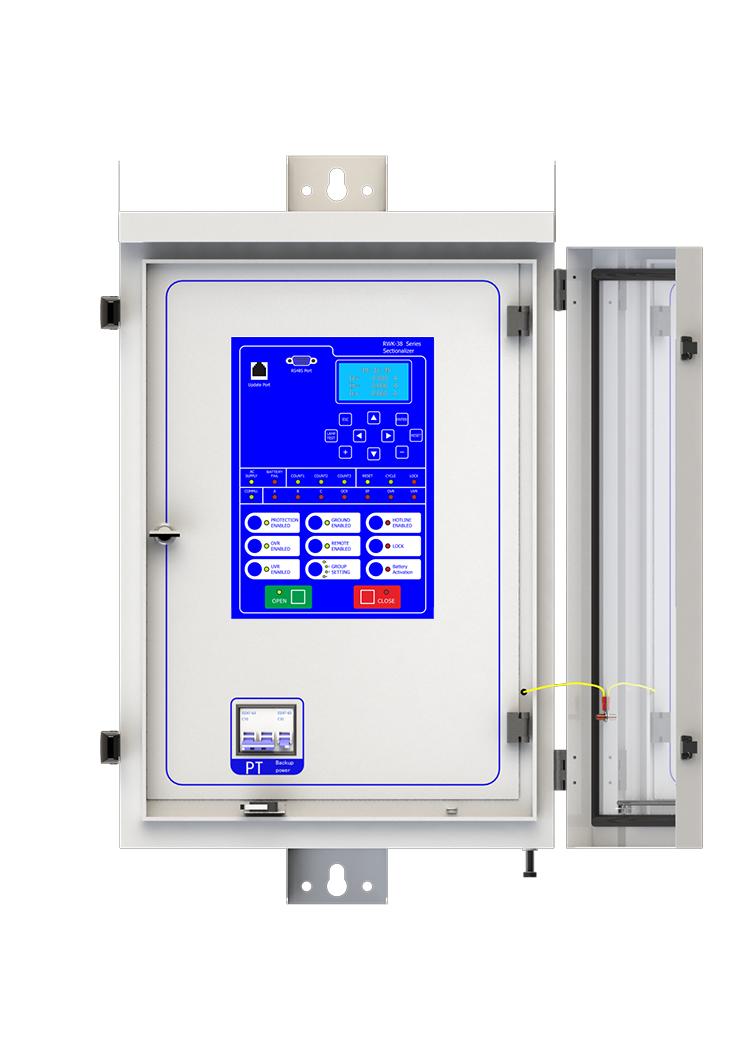
A: AC SUPPLY: AC POWER ON
BATTERY FAIL: BATTERY DISCHARGED
count1/2/3: Sectionalizer counts once/twice/three times
RESET: Sectionalizer reset
CYCLE: Sectionalizer is in progress
LOCK: Sectionalizer lock
COMMU: Communication is in progress
A/B/C: Phase A/B/C fault
OCR:over current fault
EF: earth fault
OVR/UVR: Over voltage/under voltage
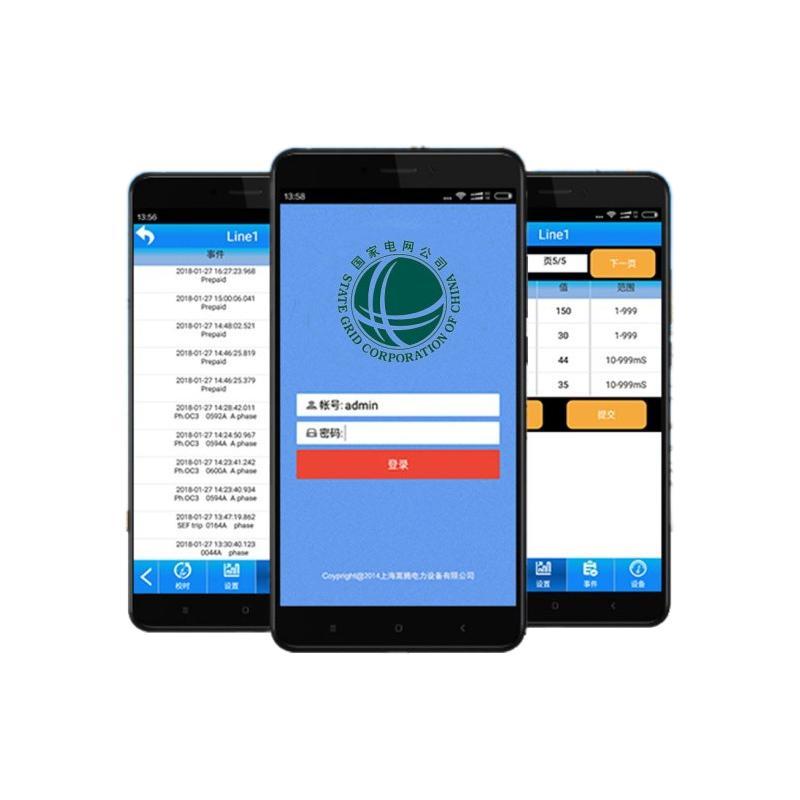
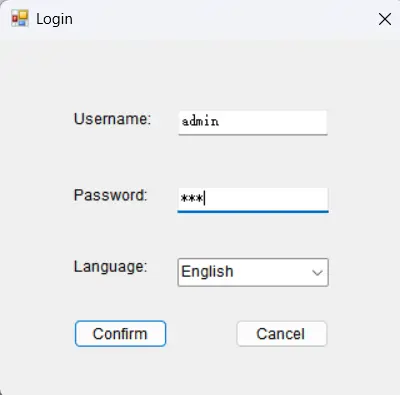
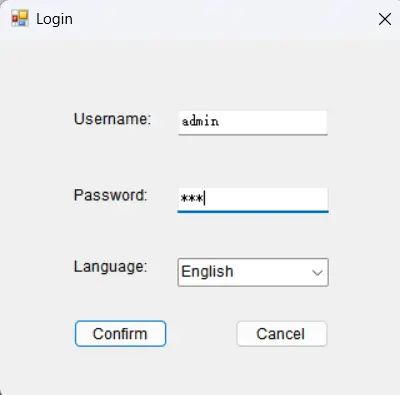
Yes, this device has corresponding upper computer software (only available in windows-X86 version), which can be connected to the terminal through a serial port or network port, enabling fixed parameter configuration and viewing, address configuration for remote signaling, telemetry, and control, viewing of event reports, monitoring of electricity meters, packet capture of communication messages, and simulation of remote control functions.
This device can connect to SCADA System and DMS, and you can connect the terminal to the server according to your local network conditions. This terminal supports CDMA (3G)/LTE (4G)/ NR(5G), ETH, fiber optic and other ways to access the network. You can also contact us directly, and we will provide you with a solution for distribution network automation.